
Name-Based Case Searches
Name searches start at MCRO Case Search. Pick Person or Business, then type the last name. Add a first or middle name only if the list is too crowded. From there, filter by Anoka County court location. Then use the category, status, or date-filed controls to separate your case from people who share the name.
MCRO caps results at 200 and sorts them newest first. The portal lets you re-sort and print what you find. Treat any row as a lead, not an answer. Before opening a case, compare the case number, filing date, court location, party roles, category, and status. That confirms you have the right Anoka County court docket.
- Open MCRO Case Search and choose Name mode.
- Select Person or Business and enter the available name fields.
- Choose specific court locations and select Anoka County.
- Apply a case category, date-filed range, or status control when it is supported by the known case.
- Open the matching result and read the Register of Actions, the portal’s chronological case history.
| Field label | Type | Required | Notes |
|---|---|---|---|
| Search mode | Button or tab | Yes | Choose Name, Case Number, Citation Number, or Attorney. |
| Last Name | Text | Name mode | MCRO uses exact matching unless a permitted wildcard strategy is used. |
| First and Middle Name | Text | No | Useful narrowing fields for a person search. |
| Case Category | Checkboxes | No | Civil, Criminal, Family, Probate, or Mental Health. |
| Court Locations | Location selector | Yes or narrowing | Choose statewide locations or select Anoka County specifically. |
Anoka County Docket Search Location Filter
Anoka County runs no separate public case-search portal of its own. MCRO is a statewide system. The county-specific route is the location filter: open the Court Locations list, search the county options, and choose Anoka County. That keeps unrelated statewide results out of your first pass when you already have an Anoka County name or number.
If the case might sit in another Minnesota county, run the search again statewide. The better habit is to narrow first, then broaden only if nothing turns up. That way you can tell whether a result truly belongs to Anoka County District Court.
Case Number Searches
Nothing beats a case number for precision in MCRO. Take the exact identifier from an Anoka County court paper, notice, or citation. Enter it in Case Number mode. The official instructions warn that spaces are not accepted. So keep the letters, numbers, and hyphens exactly as printed on the document. There is no single universal case-number pattern to lean on here. Copy the number character for character.
Enter the case number exactly as shown
A state traffic citation often works better through Citation Number mode. Attorney mode accepts a lawyer's name or bar number. The bar number is handy when a common name would flood the results.
Anoka County Docket Search Modes
Pick the right tab before widening a name search in Anoka County. Case Search covers the basic case history. Document Search starts from a case number. It hunts for eligible public documents. Hearing Search looks for a scheduled public setting, while Judgment Search handles docketed money judgments and satisfactions. Each mode carries its own fields and answers a different question.
- Case Search
- Finds a public case and leads to the Register of Actions, metadata, and eligible documents.
- Document Search
- Uses a case number to locate public filed documents where remotely available.
- Hearing Search
- Uses names, case numbers, judicial officers, attorneys, dates, categories, and locations for a public hearing lookup.
- Judgment Search
- Targets docketed money judgments and satisfactions rather than every civil disposition.
Case Search Results Explained
A result card in an Anoka County docket search may list the case number, category, filing date, location, parties, and status. Open the case and you can get more. That includes the Register of Actions, public attorney information, hearing details, disposition or judgment data, and links to documents available remotely. The Register is just a chronological list of events. It does not narrate or explain what each court action meant.
| Case number | The court-assigned identifier and strongest key for opening the known record. |
|---|---|
| Style or parties | Public party and role information, with protected details omitted or abbreviated. |
| Case category | MCRO classification such as Civil, Criminal, Family, Probate, or Mental Health. |
| Filing date | The date the case or document was filed, not necessarily the event or hearing date. |
| Status and chronology | A portal status plus dated filings, proceedings, outcomes, and scheduled hearings shown in the Register of Actions. |
Anoka County Docket Search Name Techniques
When a name brings back too much, tighten it with facts you trust. Use exact spelling, a known date range, a category, the Anoka County location, a case number, a citation number, or attorney details. MCRO also offers a Sounds Like control for phonetic matches. A trailing wildcard can widen a surname after at least two characters. The official guidance says the wildcard and Sounds Like cannot be combined, so pick one.
Resist piling on guesses when results stay heavy. Use the portal's filters. Compare the public case metadata, or switch to the case number or attorney route. If a case simply will not surface, try a new identifier or the courthouse terminal instead of a broader name query.
Two Ways to Search: County and State
One MCRO portal, two scopes. The only difference between a statewide sweep and an Anoka County docket search is the Court Locations selection; there is no county-run database behind it. Unknown county? Search statewide. Known Anoka County District Court matter? Apply the county filter, read the local case detail, and turn to Court Administration when the public result needs confirming.
| Statewide MCRO search | Anoka-filtered MCRO search |
|---|---|
| Searches available Minnesota court locations. | Uses the same public portal with Anoka County selected. |
| Useful when the court location is unknown. | Useful for a known Anoka County District Court case. |
| Can return similar names from several locations. | Reduces Anoka County location noise before reviewing case details. |
| Both remain unofficial public access. | Both are subject to the same remote-access rules and document matrix. |
Anoka County Docket Search Judgment Layer
Judgment Search has its own controls. These cover debtor name, docketed date, judgment status, and Anoka County court location. It exists for docketed money judgments and satisfactions. Any non-money disposition belongs in the case details instead. And a judgment entry never replaces the underlying complaint, order, exhibit, or satisfaction document itself. The MCRO Judgment Search form displays the debtor, date, status, and county filters.
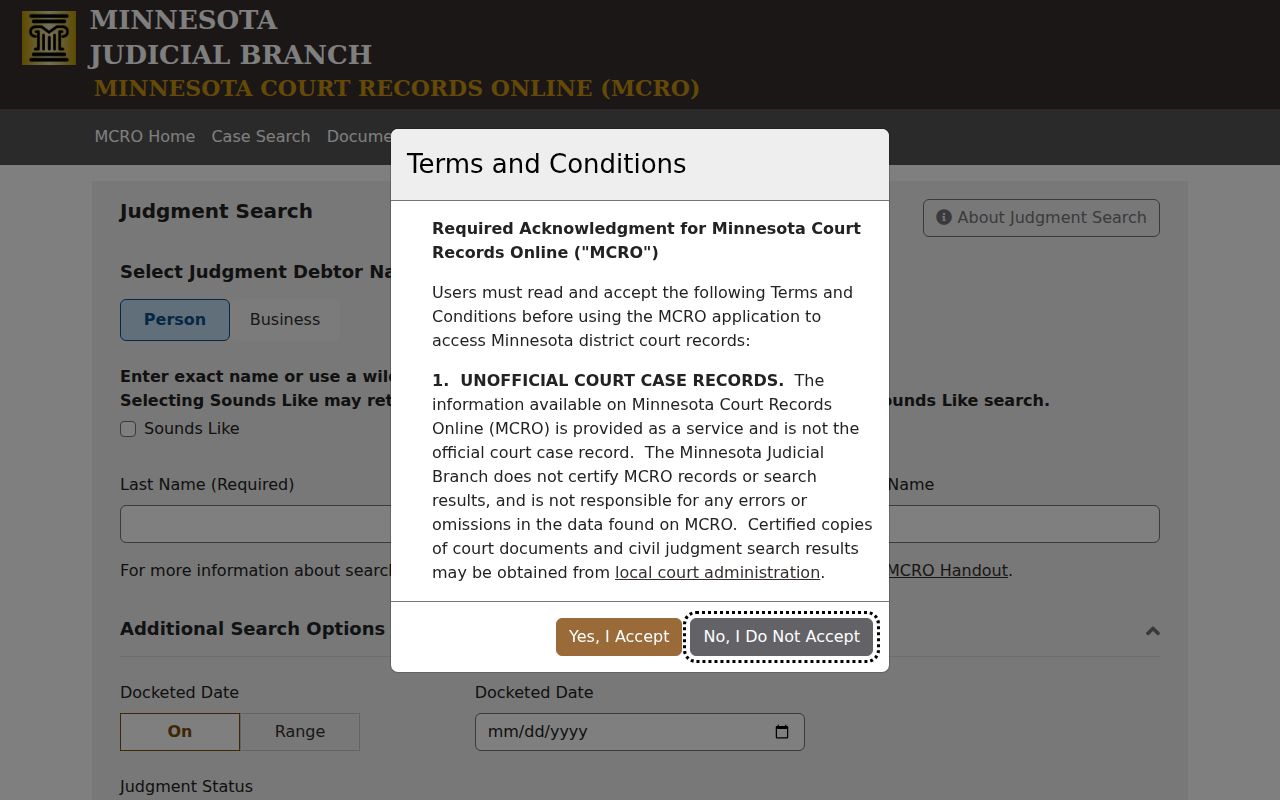
Open the matching case detail to see the public sequence of events around the judgment or recorded satisfaction.
Anoka County Docket Search Documents
MCRO's Document Search works from a single case-number field. That makes it the second step, after Case Search has already turned up the Anoka County court file you care about. There is no name search here. No county selector, payment screen, or public login either. Read what it returns next to the case detail, since the Register of Actions supplies the document title, its date, and the event tied to it.
Coverage also varies with case type and filing date. Orders and notices created by the court can follow a different remote-access path than papers filed by a party. And remember what a download is: a public copy. It is not a certified court record, and it may not show every filing in the official case file.
Anoka County Docket Search Result Limit
MCRO stops a search at 200 results. A broad statewide name query can hit that ceiling. The Anoka County case you need may never appear. So narrow it. Add the Anoka County location, a case category, a filing-date range, a citation number, or public attorney information when you have it. The point is to trim the result set without guessing at an Anoka County case identity.
Results come back newest first by default. The portal also offers Oldest First and Print List controls. Sorting changes nothing in the court record itself. It just makes a long list easier to check. Compare against facts you already hold from a notice, a citation, or case papers.
Anoka County Docket Search Case Detail Limits
Case Details is where MCRO displays the Register of Actions. But treat it as an unofficial public view. An Anoka County case detail can include public metadata, event dates, hearings, disposition or judgment information, and eligible documents. Protected identifiers or restricted material stay out. When a date or deadline matters, compare what you see against the current court instruction.
For anything you must rely on formally, request the right court product from Anoka County District Court / Court Administration. A certified screen print or certified document is a different product from a free online view. Even both describing the same case activity does not change that.
Anoka County Docket Search Courthouse View
Sometimes a remote result just does not answer the question. When that happens in Anoka County, use the MNPAC terminal at the courthouse. That is short for Minnesota Public Access to Court. You can also call Court Administration. The courthouse view can be fuller than remote MCRO for some categories. Older paper files or off-site files may take a counter request. None of this is a way around a seal, a confidential classification, or a Rule 8 restriction.
The local records and copy line is (763) 760-6550. The Anoka County Courthouse is where Court Administration provides records access. A certified copy must come from the court itself, never inferred from an online result.
Which Cases Stay Restricted
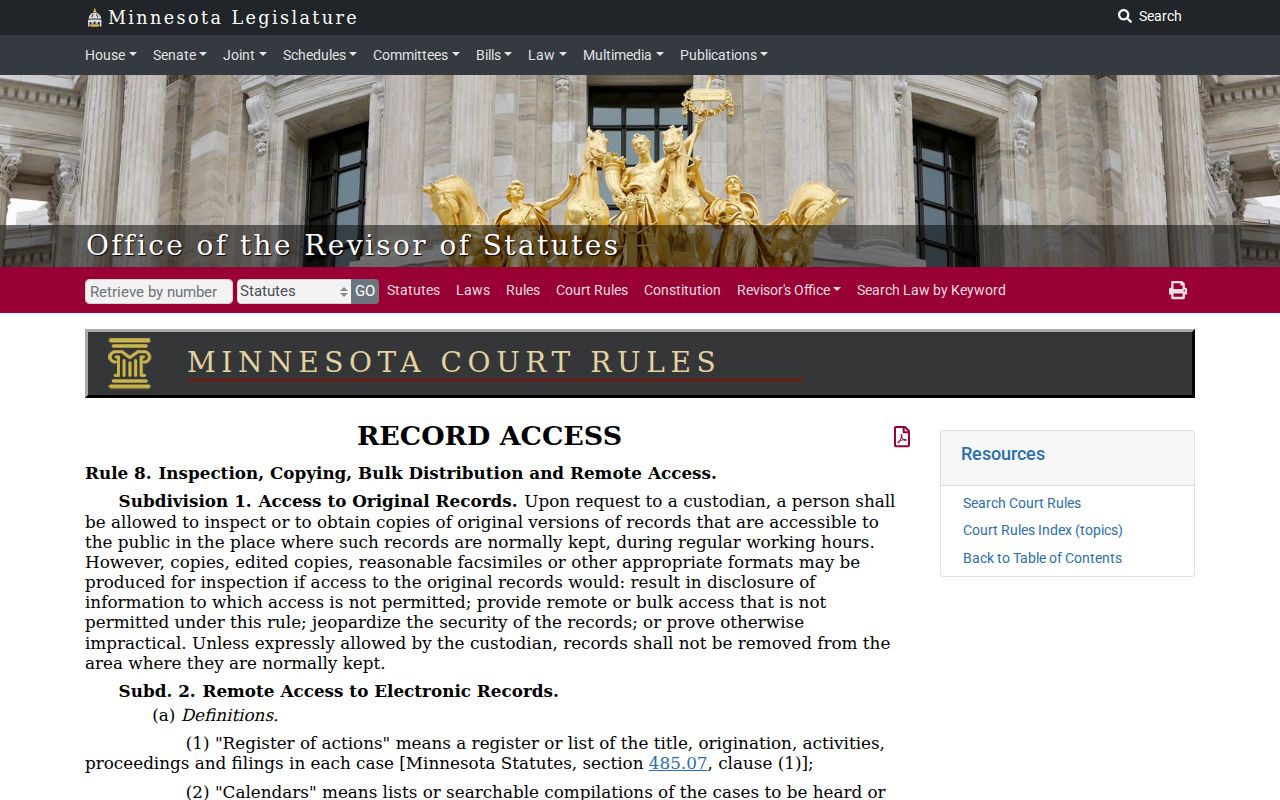
What you can reach remotely on MCRO is set by the Minnesota Rules of Public Access to Records of the Judicial Branch, Rule 8. The rule separates remote public access from courthouse inspection. It also restricts protected identifiers and certain case types. Domestic-abuse, harassment, civil-commitment, juvenile, CHIPS, family, and post-adjudication paternity records can carry special limits or narrower document access.
One common surprise: a pending Anoka County criminal case with no conviction does not come back through a defendant-name remote search. An omitted case or document can also stem from search terms, indexing, update timing, coverage, or the remote-access rules. So "not returned by MCRO" is the accurate phrasing. It is not "sealed," unless something confirms it. The Rule 8 page lays out the categories and identifier protections.
A confidential or sealed record takes more than a routine search or copy request. Ask Court Administration what the authorized process is, and turn to the current CON100/CON101 access packet only when a real legal basis for access exists.