
Anoka County Civil Docket Searches
The free public tool is MCRO Case Search. Pick the Civil category there. Set the court location to Anoka County. A case number works best, since it pulls one file straight away. Name mode is the alternative. It lets you run a person or business search with last, first, and middle-name fields plus filing-date controls, case status, and court location filters.
One thing to remember: the Anoka County civil docket sits inside the unified District Court. Family and probate cases live under separate MCRO categories. Choose Civil only when the paperwork or the case purpose points there. When a result looks right, match the filing date, case status, court location, and party roles before you open the Register of Actions.
- Open MCRO Case Search and choose the Civil category.
- Select Anoka County in the specific court-location controls.
- Enter the case number, or search the public party or business name with useful date and status filters.
- Open the matching case and read the Register of Actions from the filing forward.
- Use Document Search for an eligible public filing or contact Court Administration for the official copy route.
Anoka County Civil Docket Categories
MCRO sorts cases into Civil, Family, Probate, and Mental Health, even though one unified District Court handles them all in Anoka County. For a civil action, a conciliation matter, a judgment, or a related civil filing, start in the Civil category. The label alone won't describe every paper in the file, so the event chronology and the details still do the real work.
City paperwork is a different story. A code-enforcement notice or an administrative citation from a city stays with that city's process; it never becomes part of an Anoka County civil docket just because the subject sounds civil. Only an official district-court case number proves a court filing exists.
Civil Dockets: What They Show
Open a public case detail page and you'll typically see a Civil category header, the case number, filing date, status, location, judicial officer, party roles, and public attorney information. The Register of Actions then logs the work in order: a complaint, service, answer, motion, hearing, a settlement or default event, an order, the judgment, its satisfaction, closure, or an appeal-related entry.
| Case header | Civil category, case number, filing date, status, court location, and judicial officer. |
|---|---|
| Style and roles | Public plaintiff or petitioner and defendant or respondent labels, business or person type, and public attorney information. |
| Event record | Initiating filing, service, answer, motions, hearing or settlement, default or trial, order, judgment, satisfaction, and closure where present. |
| Hearing record | Date, time, hearing type, judicial officer, location or remote connection, result, and next setting when scheduled. |
| Document layer | Document title, filing date, access status, and public image or download control when MCRO makes it available. |
Anoka County Civil Docket Document Search
Document Search is MCRO's separate public tool for pulling an eligible Anoka County document. It works once the case number is in hand. There is no name search and no county dropdown. You enter the case number and choose Find Documents. Then check the document title and date against the Register of Actions. Anything you view remotely is an unofficial public copy, not a court-certified document.
The official MCRO Document Search form opens with a single case-number field.
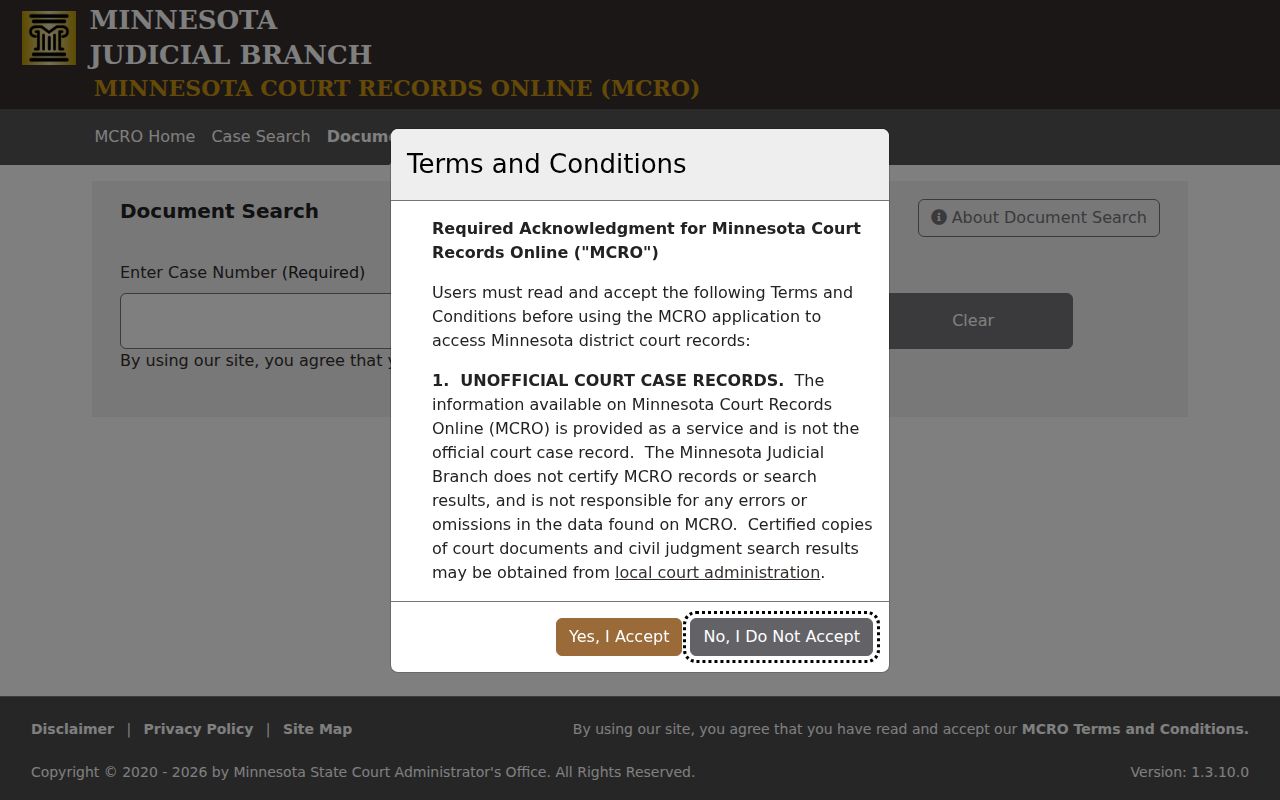
Not every filing shows up remotely. Coverage depends on the filing date, the document type, the case category, and remote-access rules, so a missing document never proves it went unfiled.
What Cases Fill the Civil Docket
Civil actions, conciliation court, judgments, and related filings make up the Civil category in Anoka County. The unified District Court also handles family, probate, juvenile, and mental-health matters, but those follow different access patterns. Check the case header before treating any of them as part of an Anoka County civil result.
- Civil complaints and petitions
- Conciliation court matters
- Motion, service, default, settlement, and trial events
- Money judgments and recorded satisfactions
- Related civil orders and appeal-related entries
Docket entries record court activity, not the truth of claims. Before concluding anything, read the exact filing, order, or judgment language on the docket.
Anoka County Civil Docket Claims and Judgments
A claim filed is not a judgment won. On an Anoka County civil docket, the complaint, the request for relief, a hearing, the judgment, and a later satisfaction appear as separate events. A closed status by itself won't say whether the case ended by settlement, dismissal, default, judgment, or some other route. So find the controlling order or judgment entry. Read it.
For money judgments and satisfactions specifically, use MCRO Judgment Search. It filters by debtor name, docketed date, judgment status, and location. Anything that isn't a money outcome stays in the case details instead.
Hearings on the Civil Docket
A hearing entry on the civil docket can carry the date, time, hearing type, courtroom or connection type, judicial officer, party role, result, and a next setting. Conciliation matters sometimes use their own claim and counterclaim wording. Don't call a conciliation hearing a general civil trial. And it's certainly not a criminal proceeding.
For a public date check, use MCRO Hearing Search or the Anoka County daily calendar along with the Register of Actions. The calendar is not a complete case history. Its own page warns that confidential and non-remote-accessible cases are not posted. For anything time-sensitive, confirm the date with the court directly.
Anoka County Civil Docket Conciliation Route
Conciliation court belongs to the Anoka County civil docket, though its schedule and terminology can look different from a larger civil action. Search under the Civil category with the Anoka County location, then let the case detail tell you which claim, hearing, order, judgment, or satisfaction event applies to the file.
A few topic lines help route questions. The conciliation court line is (763) 760-6801. Civil information and civil subpoenas go to (763) 760-6800, and copies to (763) 760-6550. None of these turns a general county office into the keeper of the court file; they just get a case-specific question to the right desk.
Anoka County Civil Docket Copies
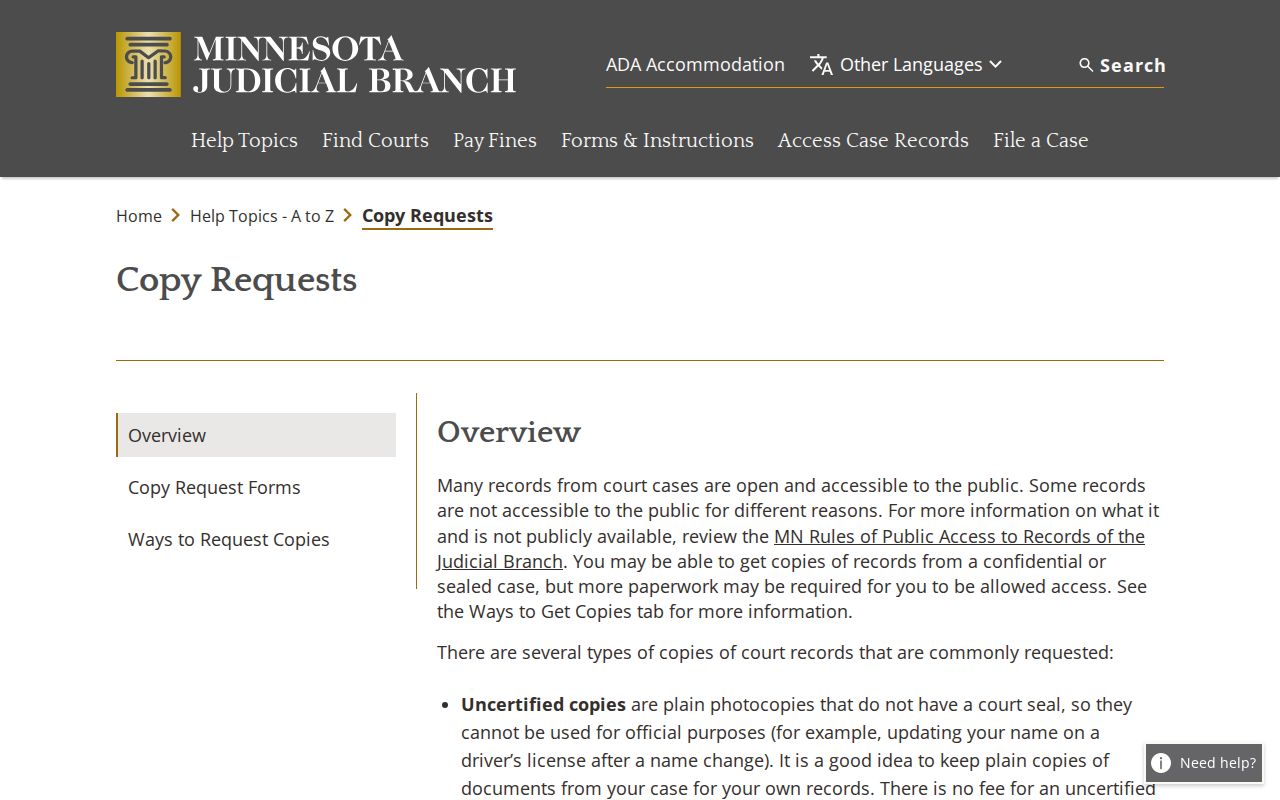
Copies of an Anoka County civil docket come from two places. MCRO is the state's public case lookup. It lets you view and download anything remotely available at no charge. But the Judicial Branch does not certify what you pull from MCRO. Want a certified copy of a court record? Go to Anoka County District Court / Court Administration. Fees depend on the product. The statewide fee catalog lists $0 for an uncertified instrument or eligible printout. It lists $14 for several certified-copy products, and $28 for an exemplified and certified copy. A county law-library add-on may apply. The Judicial Branch lays out the Anoka County options on its copy-request page.
Whether you request a record by mail or at the counter, give the clerk the case number and the document or date you want. State the copy type, a return contact, and your payment question so the request can move without a round trip.
Anoka County Civil Docket Certification
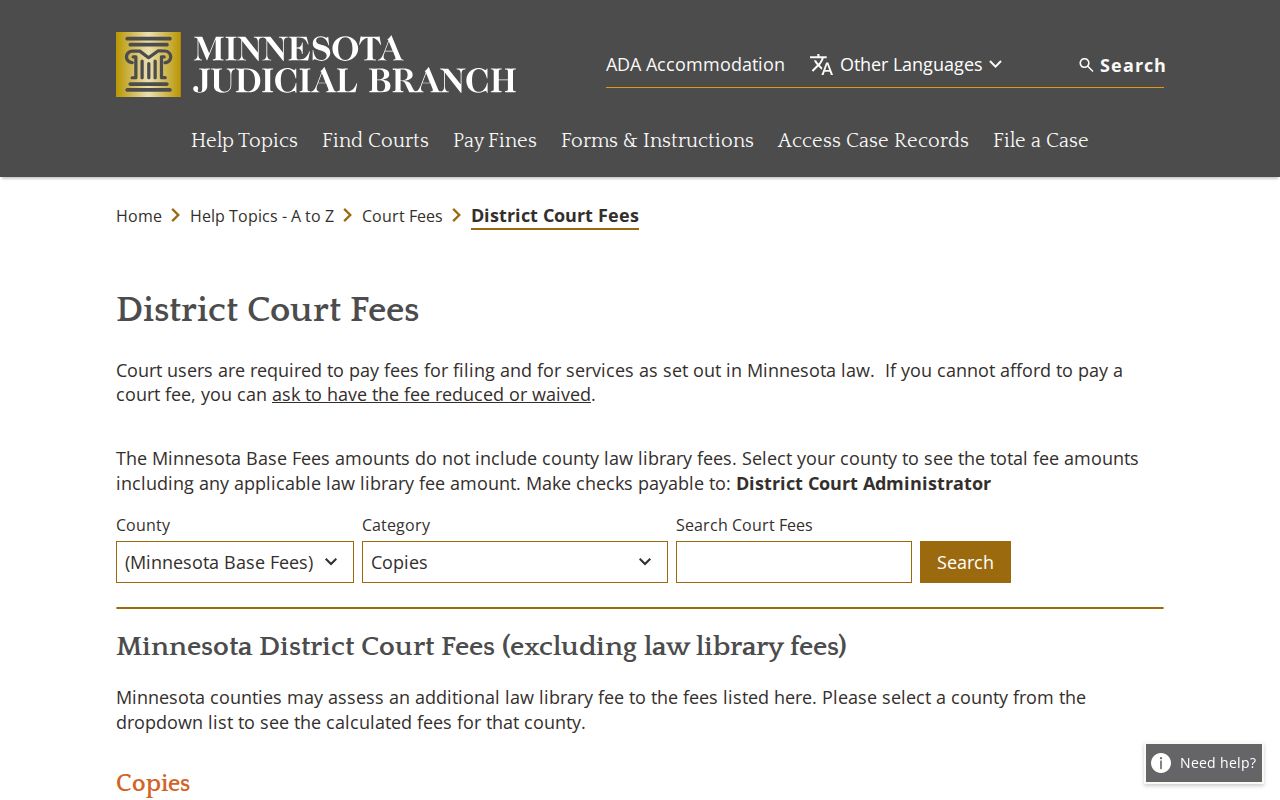
The live district-court fee catalog keeps ordinary public copies separate from certified court products. Certification is the court's own authentication of a copy. It is not an MCRO label. Check the Anoka County selector before you pay, and ask about any add-on, because the catalog's base figures may exclude a county law-library fee. The district-court copy catalog shows those copy-product categories.
Asking for a certified copy is a court service request. That is a different act from viewing a public remote result, and the clerk treats it that way.
Anoka County Civil Docket Filing Boundary
Minnesota eFile and eServe is called eFS. Attorneys, government users, and voluntary self-represented filers use it to file and serve papers. It is not a public docket search. A filer's account dashboard tracks filing and service activity only. The public case lookup stays with MCRO. The official local file remains with Anoka County District Court / Court Administration. The current entry point is Minnesota eFile and eServe. Seeing a document inside a filing account does not prove much. It does not prove that the document is remotely public, certified, or visible in MCRO. The case category, the document matrix, and the access rules control what the public can reach.
Anoka County Civil Docket Missing Documents
An Anoka County case can show up in MCRO. One filing may never appear as a remote document image. A date, a document type, a case category, or an access rule may be the reason. The update may not have reached the public view yet. A remote omission tells you nothing about service. Nor does it tell you the final outcome or the papers sitting in the official file. When you ask Anoka County Court Administration for a public copy, bring the case number. Bring the document title or date too, and lean on the Register of Actions entry you have. Older or off-site material can slow an in-person request. Call the copy line before you travel for an older file.
Who Can See Civil Dockets
Two rules govern who sees what. Minn. Stat. §13.03 creates the public-data presumption. The Minnesota Rules of Public Access to Records of the Judicial Branch control court-specific access. Rule 8 can make a courthouse view broader than remote MCRO access. Protected identifiers have limited or no remote availability. So do confidential filings, sealed exhibits, and certain case categories. A missing document may reflect the document matrix, the case type, or its filing date. A confidential classification, a search error, or an update lag could also be behind it. That does not mean the case was sealed. Nor does it mean it was dismissed. For a confidential or sealed record, ask Court Administration. Staff can explain the authorized access process. Where a legal basis exists, use the current CON100/CON101 route.
Public does not always mean remote. The courthouse MNPAC terminal can show a fuller electronic view than MCRO, but it remains subject to the same confidentiality and authorization rules.